Important: This guide is available in English, Swahili, and Ikinyarwanda.
Please scroll down to reach your language or use your browser translate feature.
IGTT Camera – Complete User Guide (English)
Opening the App & Permissions
• When you open IGTT Camera for the first time, the app will request camera, microphone, and storage permissions.
• These permissions are mandatory so the app can capture and save photos and videos.
How to Capture a Photo
• Open the app and point the camera at your subject.
• Tap the Photo button once.
• The photo is automatically saved to your phone gallery.
• You will see a confirmation message: Photo Saved ✔.
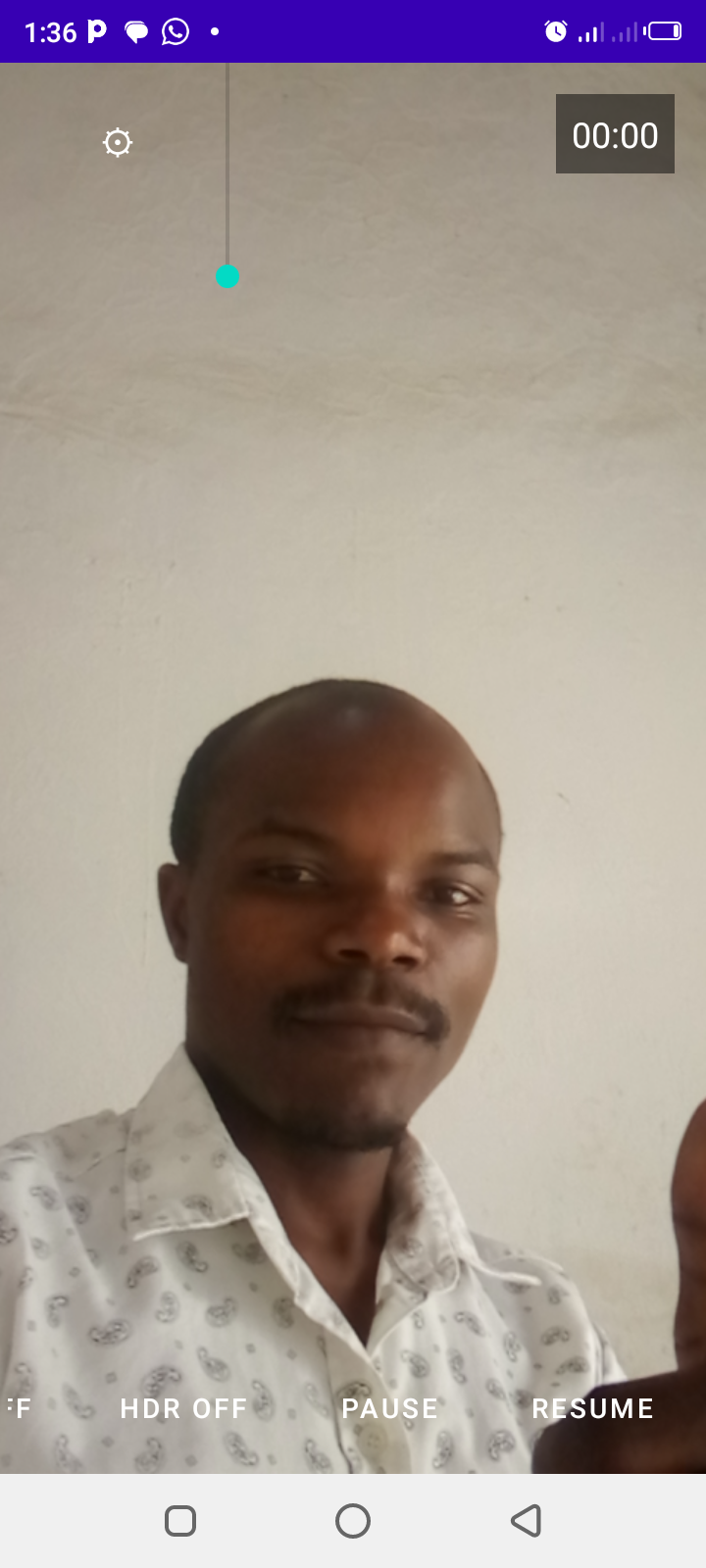
How to Record and Save a Video
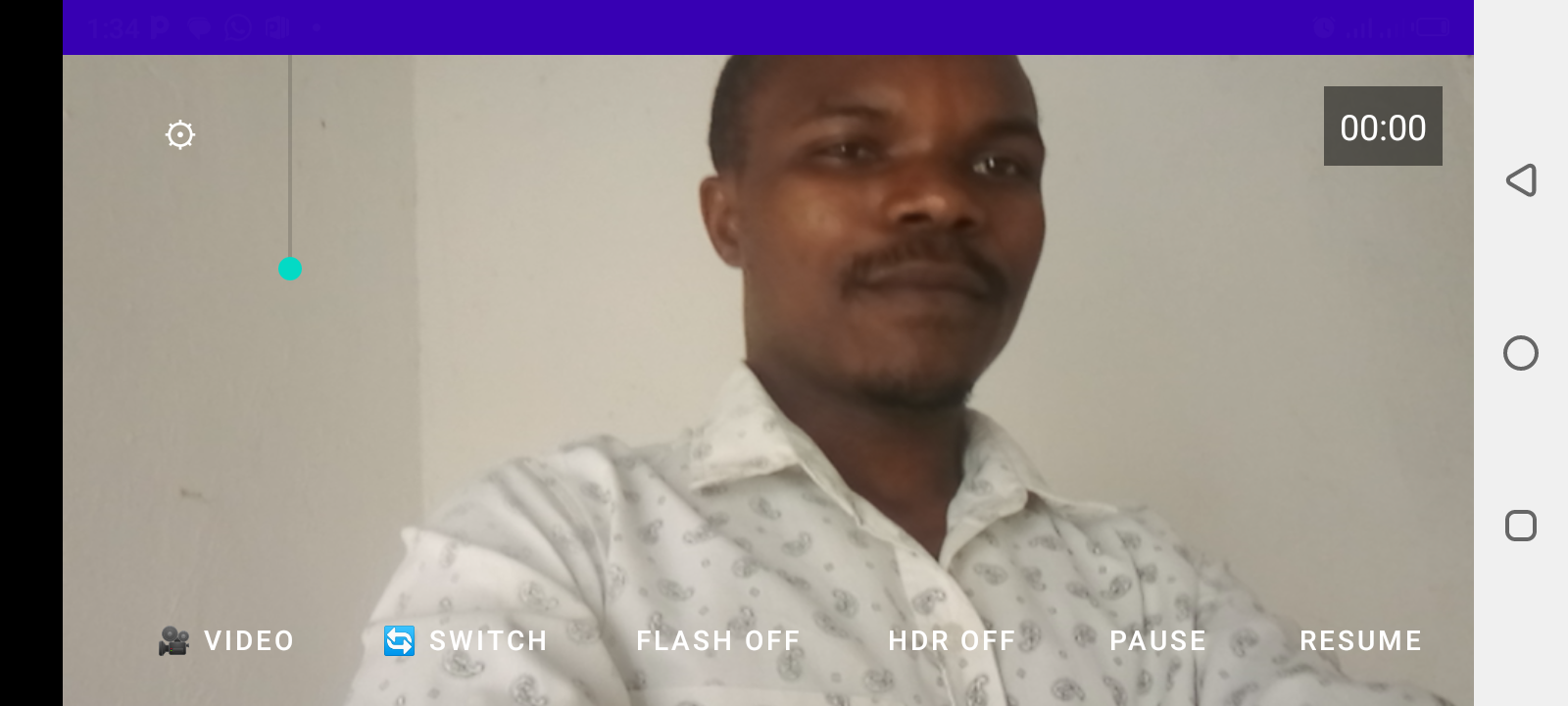
• Tap the Video button to start recording.
• Recording time will appear on the screen.
• Tap Pause to temporarily stop recording.
• Tap Resume to continue.
• Tap Video again to stop and save.
• The video is saved automatically in your Movies folder.
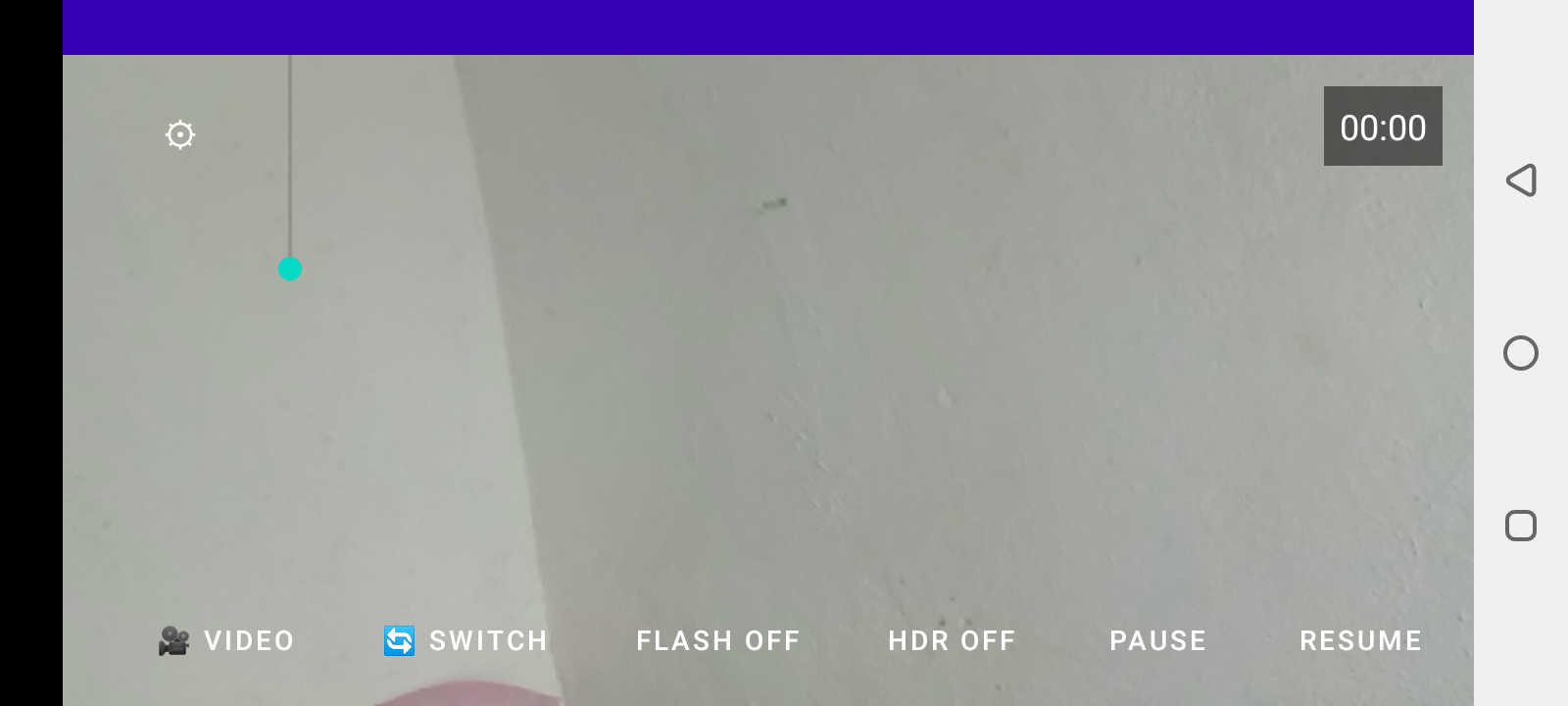
Additional Features
• Use the zoom slider to zoom in or out.
• Tap the screen to focus on an object.
• Long press the preview to show or hide the grid.
MWONGOZO KAMILI WA MTUMIAJI – KISWAHILI
Kufungua App na Ruhusa
• Fungua IGTT Camera kwa mara ya kwanza.
• Ruhusu kamera, sauti, na hifadhi.
Kupiga Picha
• Elekeza kamera kwenye kitu unachotaka.
• Bonyeza kitufe cha Photo mara moja.
• Picha itahifadhiwa moja kwa moja kwenye simu.
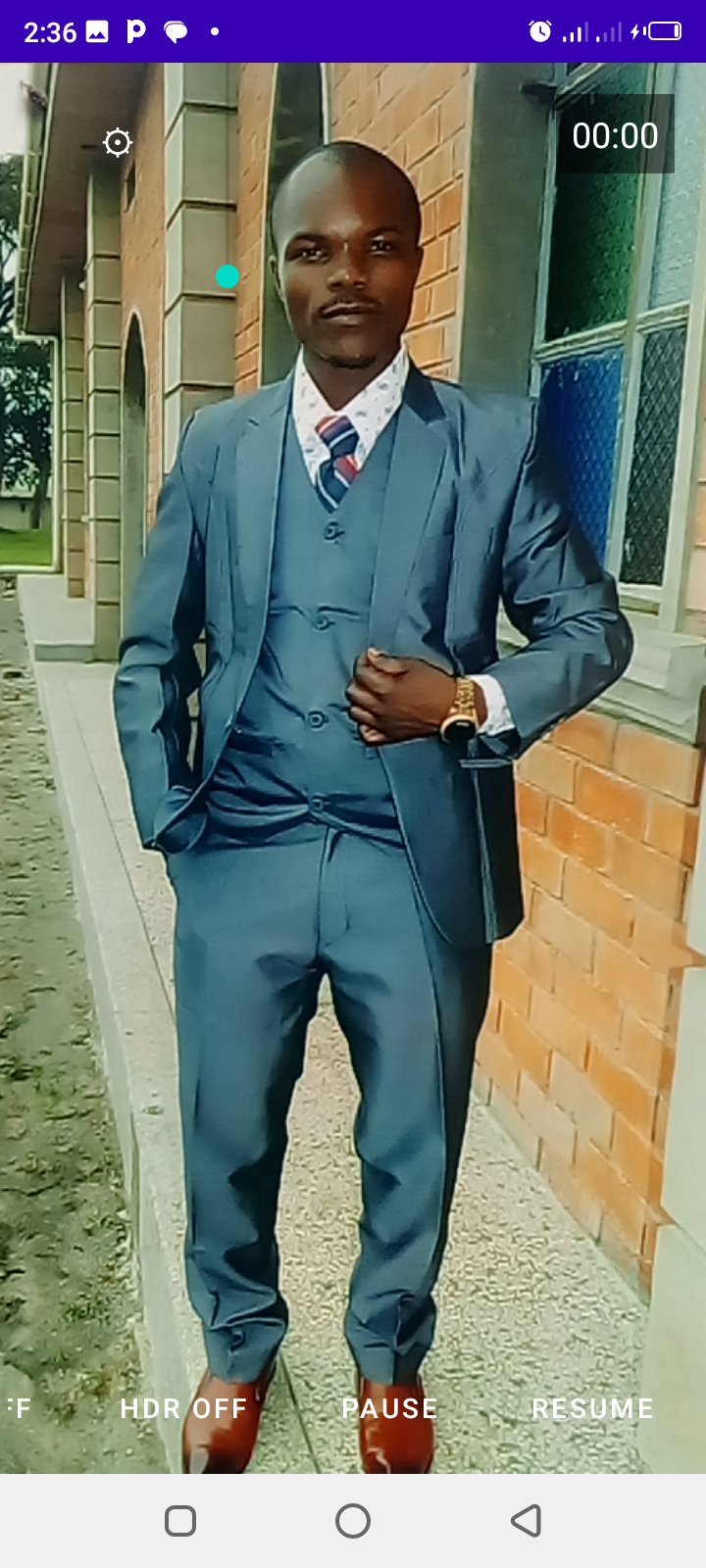
Kurekodi na Kuhifadhi Video
• Bonyeza Video kuanza kurekodi.
• Bonyeza Pause kusimamisha kwa muda.
• Bonyeza Resume kuendelea.
• Bonyeza tena Video kuhifadhi.
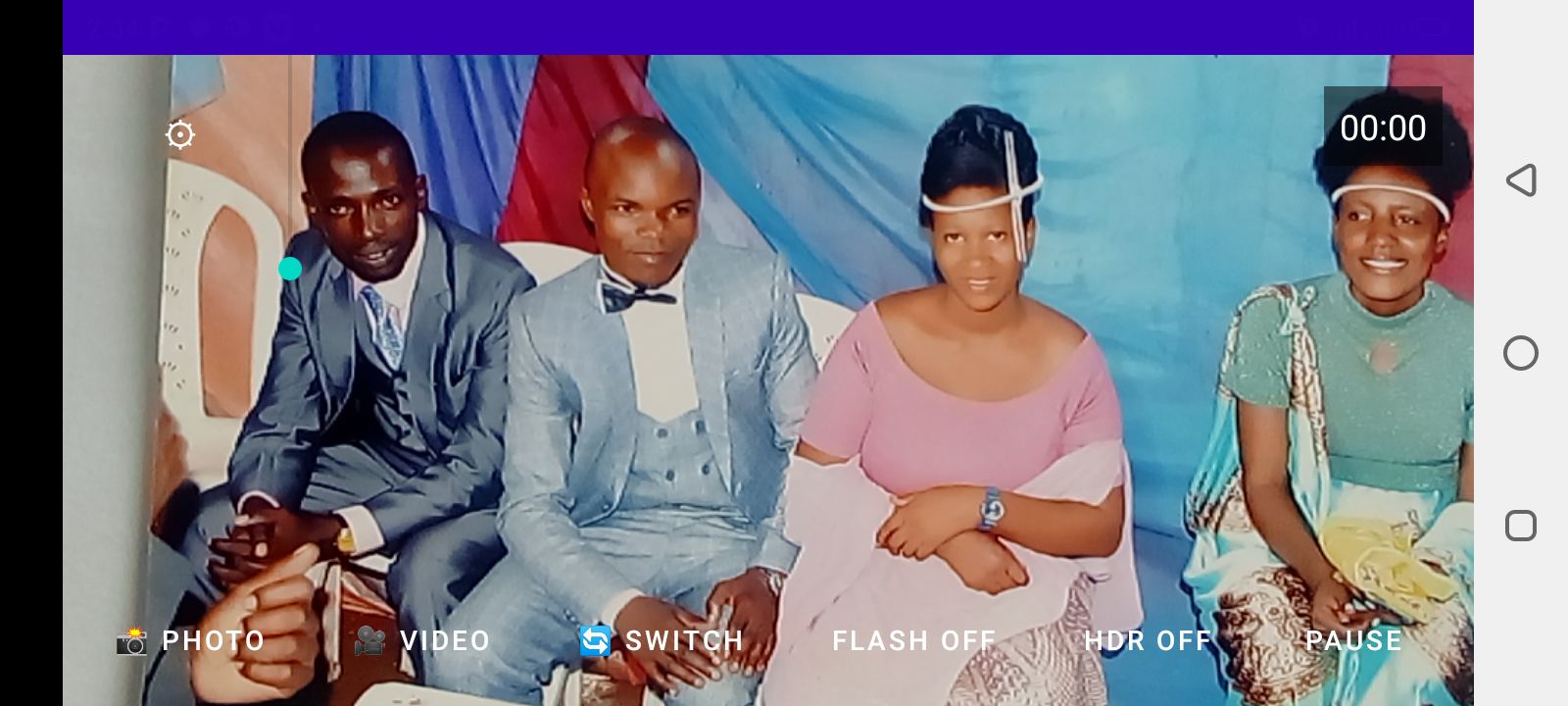
Vipengele vya Ziada
• Tumia slider kukuza.
• Gusa skrini kufocus.
• Bonyeza kwa muda mrefu kuona au kuficha gridi.
AMABWIRIZA YO GUKORESHA – IKINYARWANDA
Gufungura App n'Uruhushya
• Fungura IGTT Camera bwa mbere.
• Emera kamera, amajwi, n'ububiko.
Gufata Ifoto
• Reba aho ushaka gufata ifoto.
• Kanda Photo rimwe.
• Ifoto irahita ibikwa muri telefone.
Gufata no Kubika Video
• Kanda Video utangire gufata.
• Koresha Pause uhagarike by'agateganyo.
• Kanda Resume ukomeze.
• Ongera ukande Video ubike.
Ibindi Byiyongereye
• Koresha zoom wongere kureba neza.
• Kanda aho ushaka focus.
• Kanda igihe kirekire ukabona gridi.